What to check before you pay

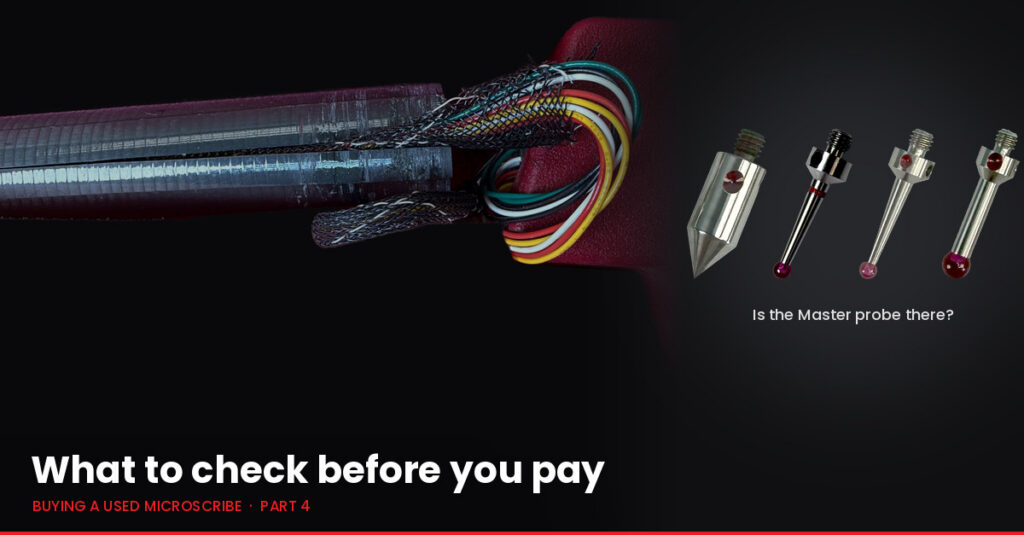
A broken MicroScribe carbon fiber tube, split and taped, with its wiring harness pulled out at the joint. On the right, four Master probes: a point probe, two 3 mm ball probes and a 5 mm ball probe. Text reads: What to check before you pay. Buying a used MicroScribe, Part 4.

The checks that matter before money changes hands: what to look at, what to ask the seller, what each problem really means, and how a good arm should be packed. Part 4 of Buying a Used MicroScribe.

Read More

Build on it

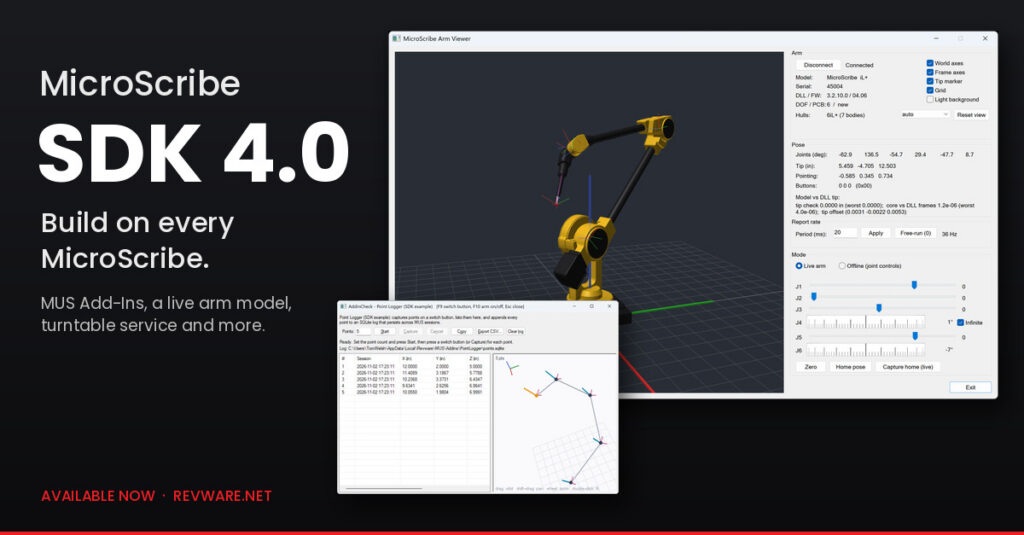
MicroScribe SDK 4.0 is available now: MUS Add-Ins, a live arm model, and a broader, easier path to building on every MicroScribe.

Read More

What am I looking at?

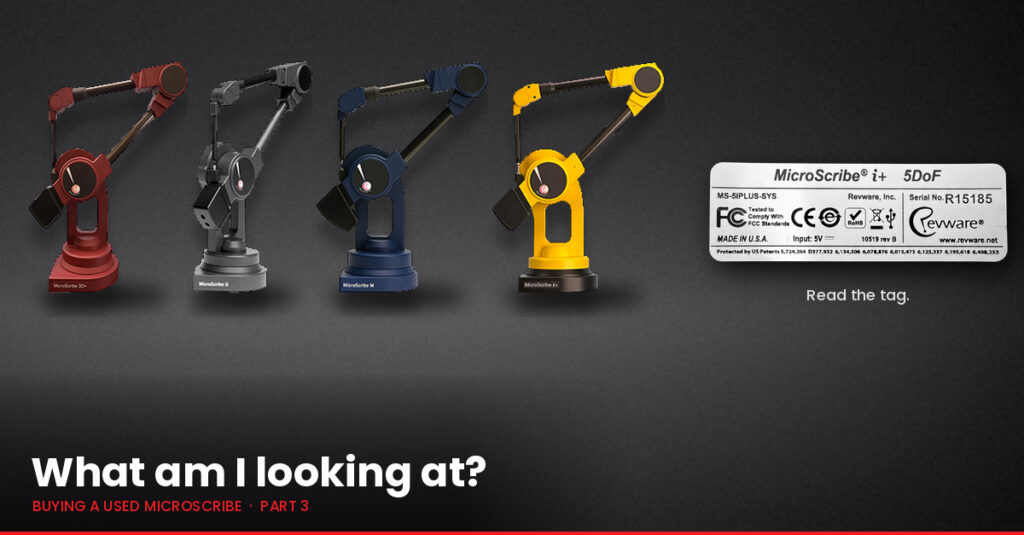
Four MicroScribe arms side by side on a black cloth, one from each model family in its usual color: a red 3D, a grey G2, a blue M, and a yellow i+. To the right, a Revware model tag reading MicroScribe i+ 5DoF, serial number R15185, captioned: Read the tag. Text reads: What am I looking at? Buying a used MicroScribe, Part 3.

A listing that just says MicroScribe could describe arms built years apart. How to tell which one you are looking at from the labels, the color, the ports, the name, and the serial number, and why the model matters before you buy. Part 3 of a short series for anyone considering a used arm.

Read More

MUS 8.0 is here

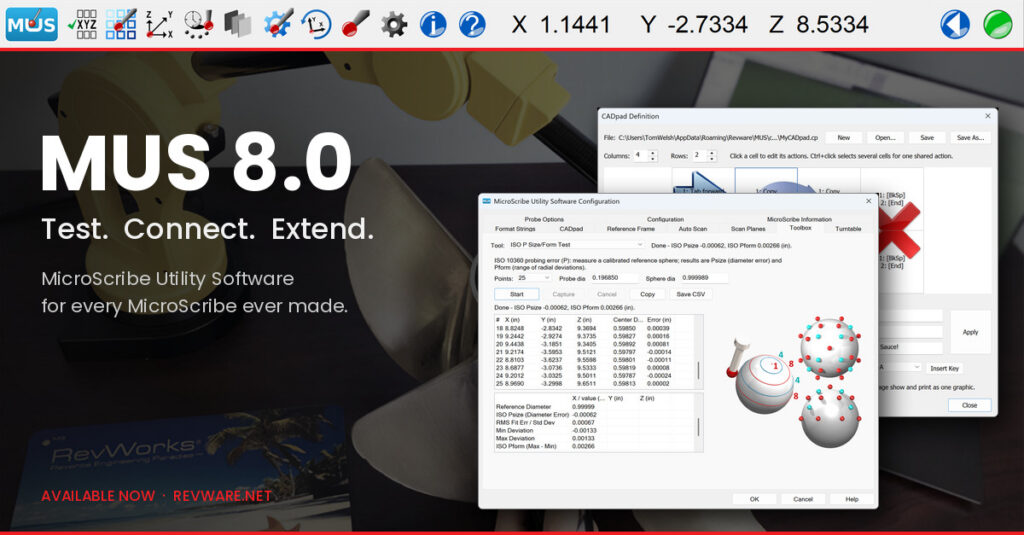
The MUS 8.0 toolbar docked across the top of the screen, over a darkened photo of a yellow MicroScribe i+ arm digitizing a boat propeller. Text reads: MUS 8.0. Test. Connect. Extend. MicroScribe Utility Software for every MicroScribe ever made. Two MUS 8.0 windows appear on the right: the ISO P Size/Form test results and the CADpad editor.

MUS 8.0 reinvests in the three jobs MicroScribe Utility Software has always done: test an arm, connect it to any Windows program, and extend it with Add-Ins that make MUS itself a development platform. It works with every MicroScribe arm ever made.

Read More

Is it alive?

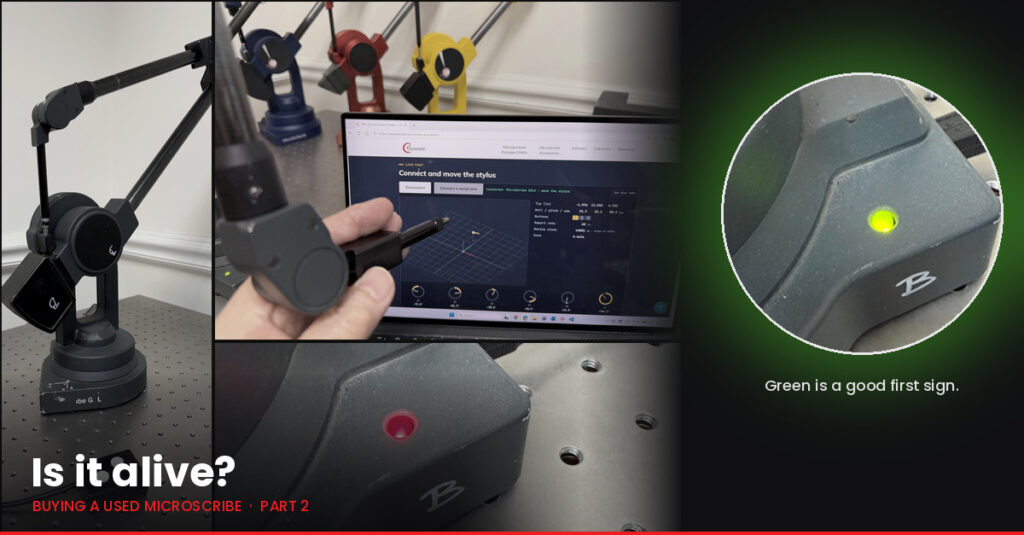
Left, a worn grey MicroScribe G2LX on a lab table; a hand moving a MicroScribe stylus while the browser-based Arm Tester on a laptop follows it; and a close-up of an arm base with a red status LED. Right, a close-up of the same base with a glowing green LED, captioned: Green is a good first sign. Text reads: Is it alive? Buying a used MicroScribe, Part 2.

Does that used MicroScribe still work, and does it still measure? Reading the status light, power supplies, the Arm Tester, and why alive is not the same as accurate. Part 2 of a short series for anyone considering a used arm.

Read More

What is it good for?

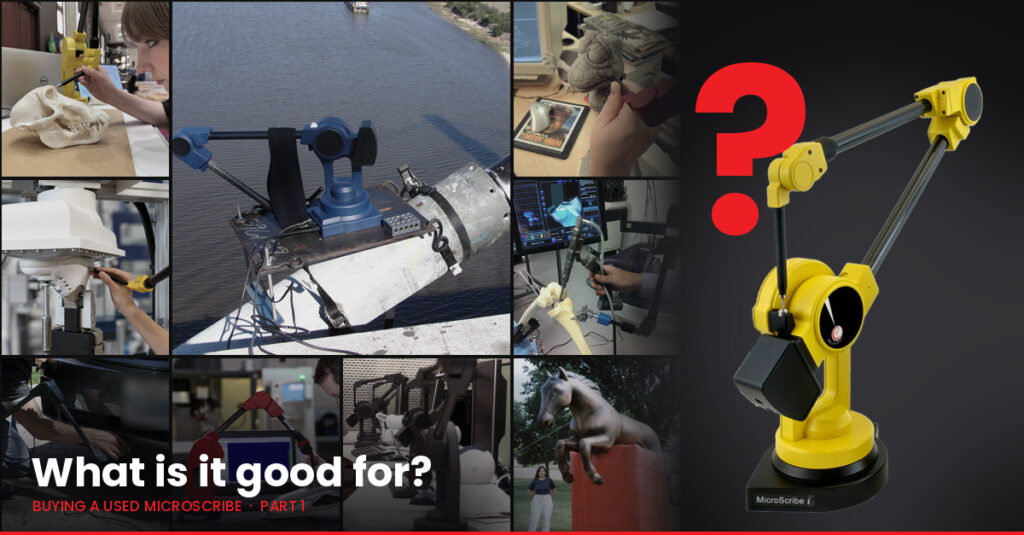
A montage of MicroScribe arms at work: digitizing a skull, mounted on top of a suspension bridge, digitizing a clay maquette, teaching a robot, in a surgical lab, under a car bumper, measuring a machined part, at office desks, and beside a giant horse balloon. On the right, a yellow MicroScribe i stands beside a large red question mark. Text reads: What is it good for? Buying a used MicroScribe, Part 1.

Before asking whether a used MicroScribe still works, it is worth asking whether a MicroScribe fits your work at all. Part 1 of a short series for anyone considering a used arm.

Read More

The third generation

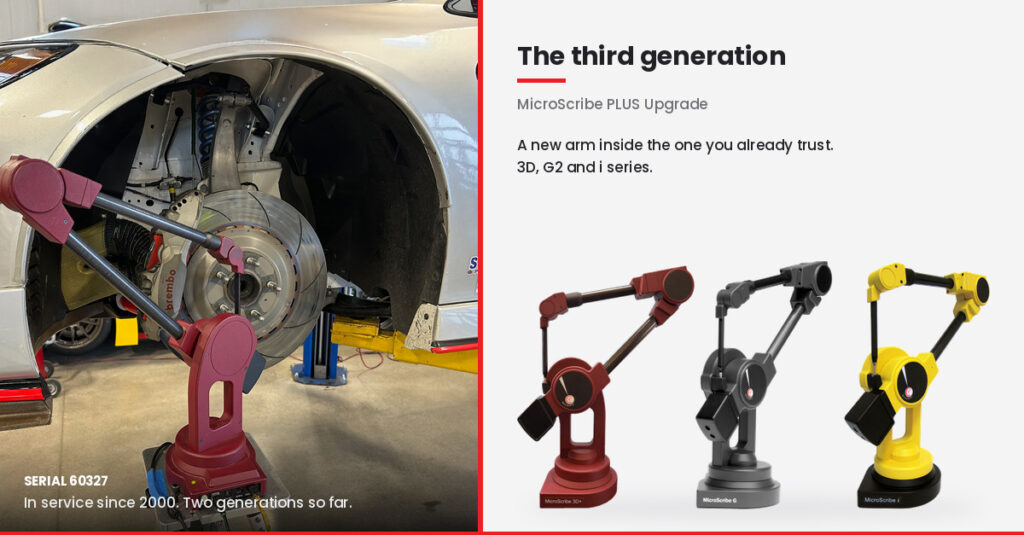
Left, MicroScribe serial 60327, a red arm in service since 2000, measuring the front suspension of a Nissan GT4 race car. Right, under the heading The third generation, three MicroScribe arms in red, black, and yellow representing the 3D, G, and i model families covered by the PLUS Upgrade.

Steve Conover’s MicroScribe has already lived through two generations of electronics. The PLUS Upgrade is the third: a new arm inside the one you already trust.

Read More

Does it still work?

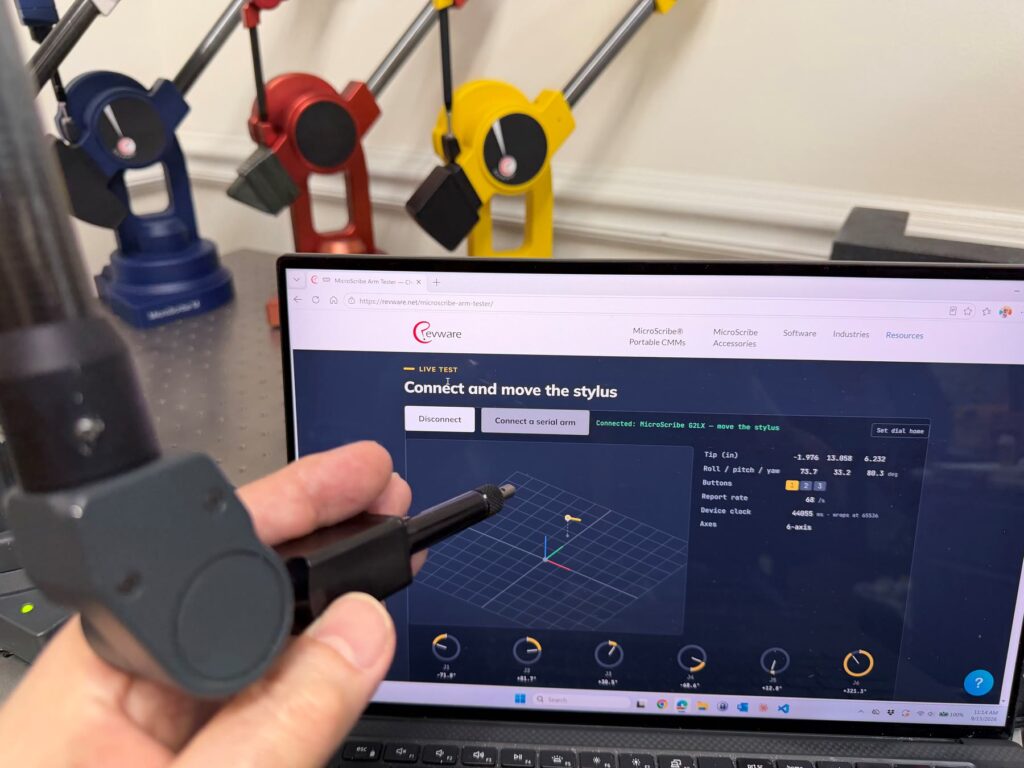
A hand holds the stylus of a MicroScribe arm in front of a laptop showing the MicroScribe Arm Tester page at revware.net. The page reads Connected: MicroScribe G2LX and shows a live stylus view, six joint dials, and position and orientation readouts. Blue, red, and yellow MicroScribe arms stand behind the laptop.

A MicroScribe turned up in a closet, or is sitting on eBay. Is it alive? The new browser-based MicroScribe Arm Tester answers that in about thirty seconds, for any arm ever made, with nothing to install.

Read More

Unit 0

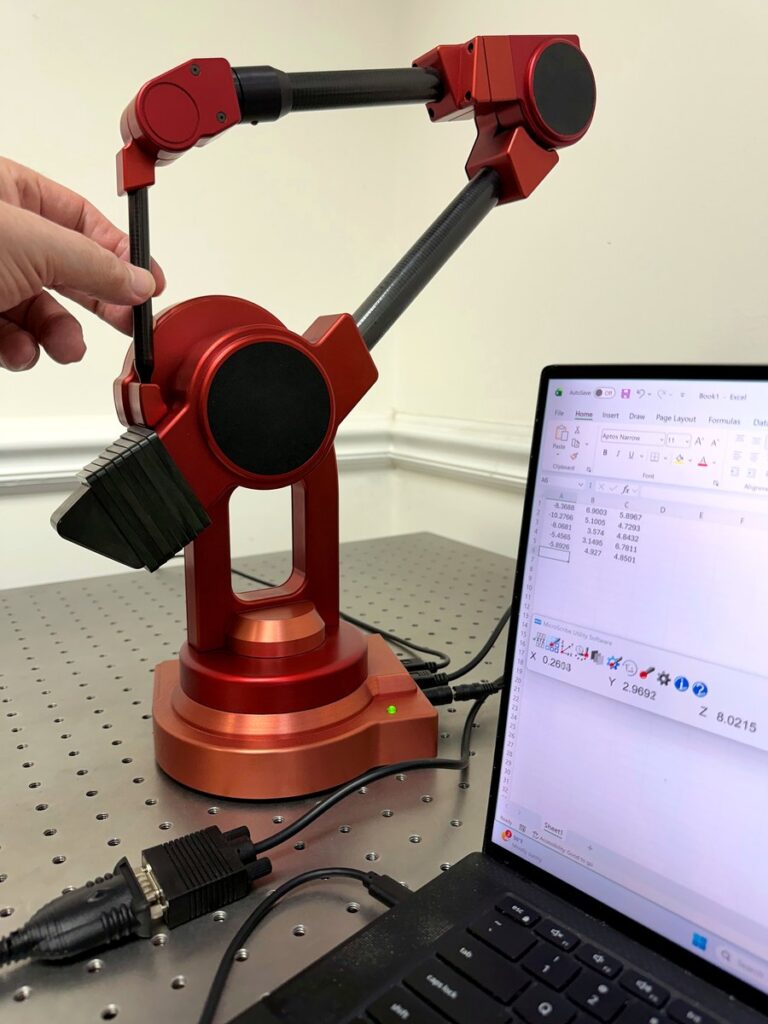
A hand moves the stylus of unit 0, the red 1995 MicroScribe prototype, while a Windows 11 laptop beside it shows live coordinates in MUS and captured points in Excel.

The oldest MicroScribe in existence, running the newest software in existence. Founder Tom Welsh connects the 1995 prototype to a Windows 11 laptop and MUS 8.

Read More