
MicroScribe SDK 4.0 is available now: MUS Add-Ins, a live arm model, and a broader, easier path to building on every MicroScribe.
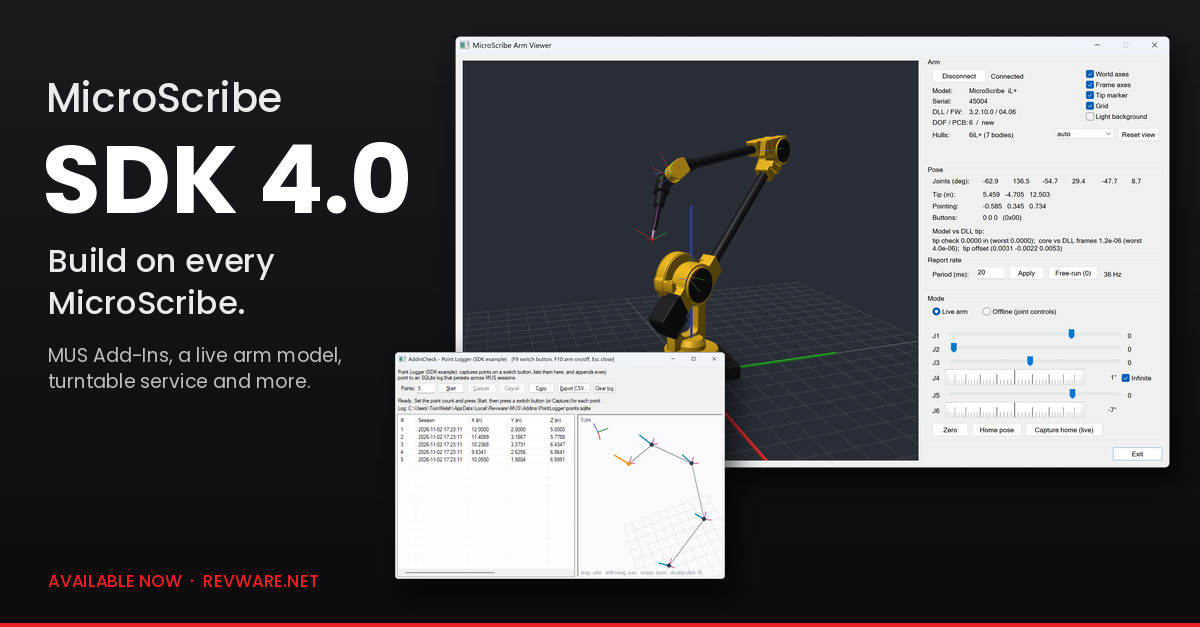
When I announced MUS 8.0, I said Add-Ins turn MUS into a development platform, and that the tools to build them come with the MicroScribe SDK 4.0. This is that SDK.
A MicroScribe has been extensible through an SDK since its introduction in 1995. What changes with 4.0 is how far you can take it, and how easy it is to start.
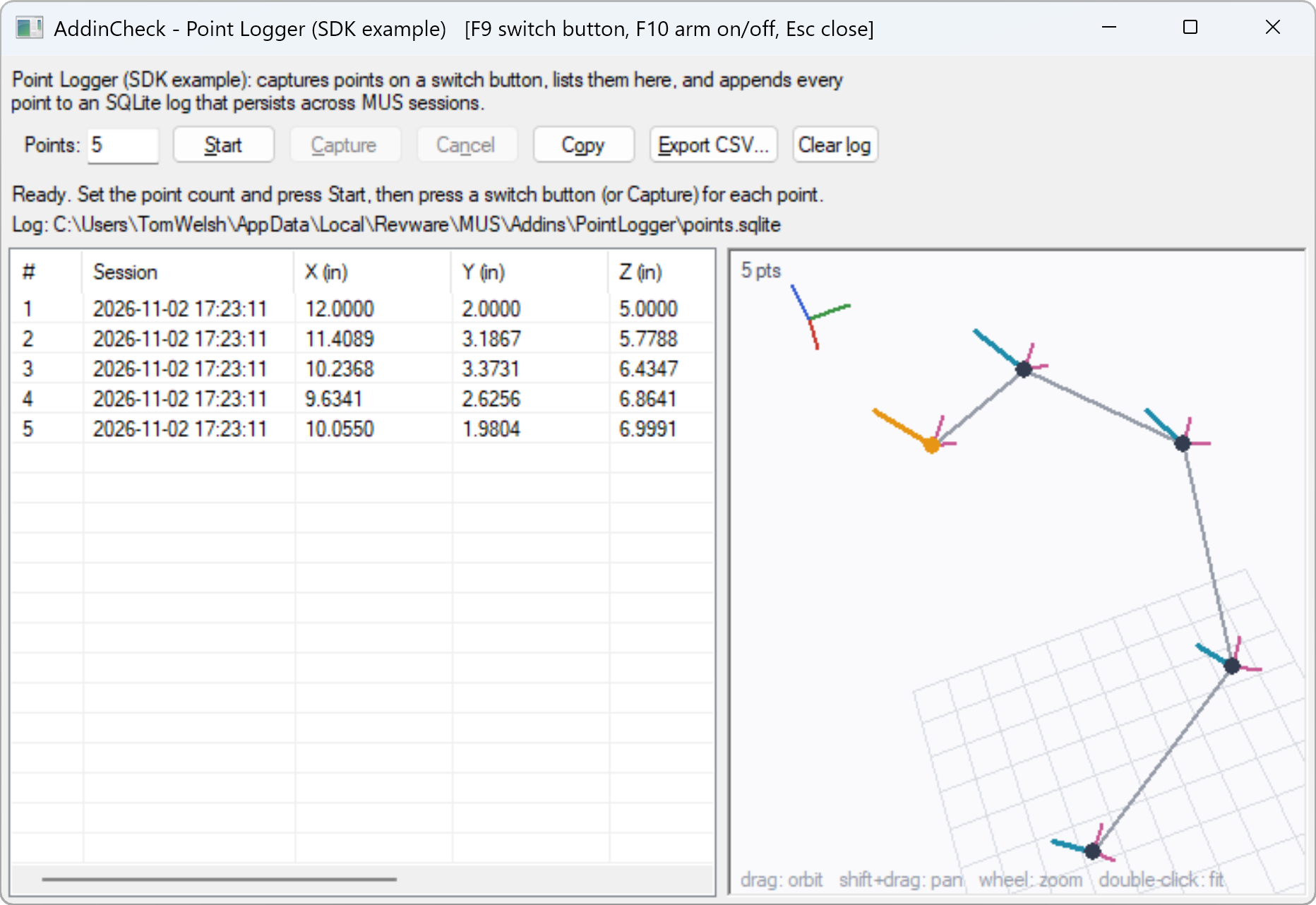
Start inside MUS. The SDK now includes the kit the MUS 8.0 Add-Ins are built with, and a complete example to learn from. Point Logger captures points on a switch button, lists them in a results grid, keeps every point in a SQLite database so the log outlives the MUS session, and draws the points in a 3D view with the stylus orientation of each one. SQLite is there on purpose: it shows how to link a third-party library into an Add-In, which is what makes this a practical place to build a minimum viable application. A mock host, AddinCheck, runs an Add-In against a simulated arm, so you can develop without MUS or an arm on the desk.
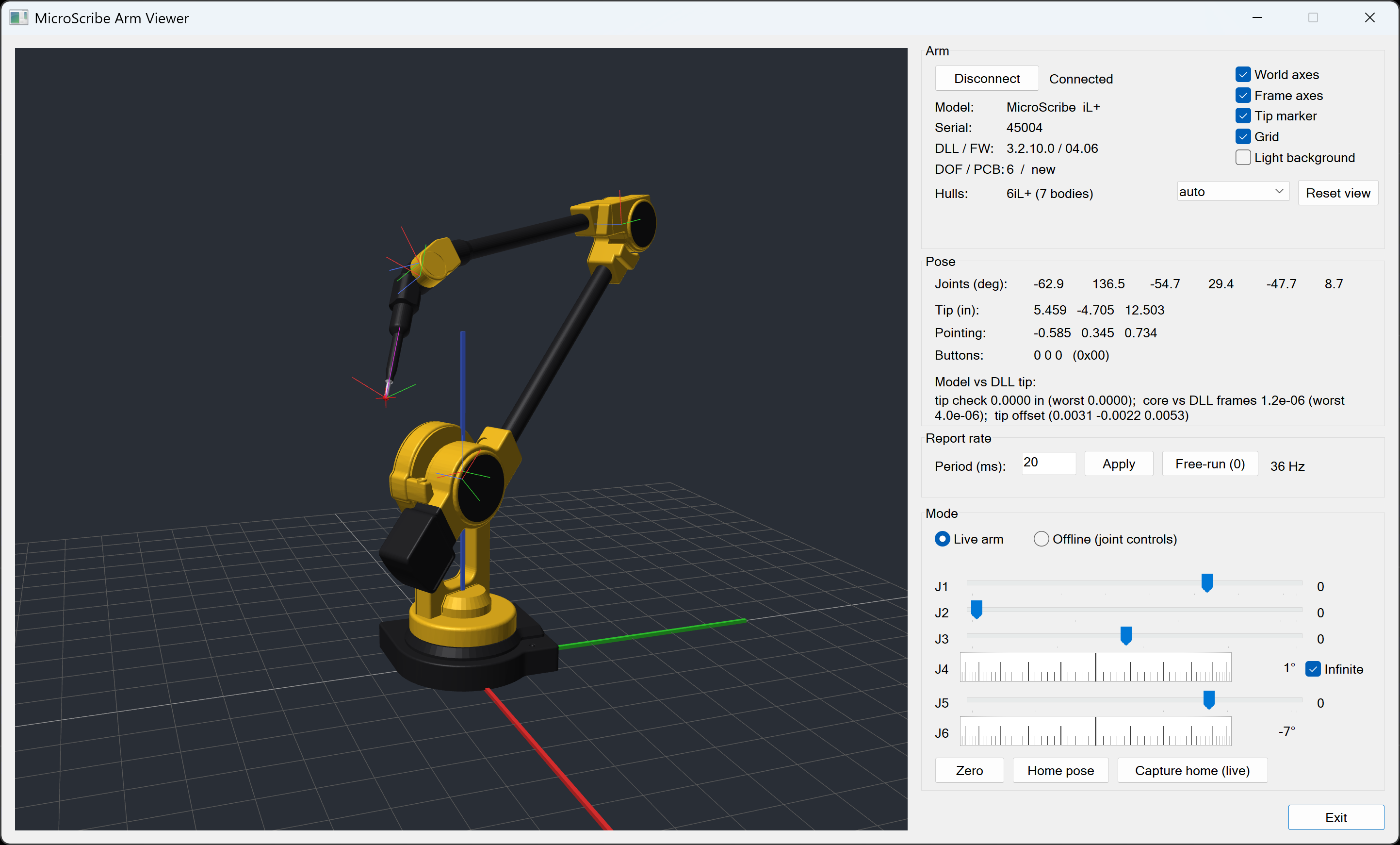
Then go as far as you like. ArmViewer draws the connected arm live on screen, moving in sync with the real one, from CAD hulls of the arm and the arm’s own kinematic parameters. Integrators asked for this for robot-teaching work, and the kinematics are now a first-class part of the API. The DLL also adds a turntable service, report-rate control that doesn’t block, a hardware timestamp on every report, and a probe management library you can adopt as is.
Who it is for:
- Software integrators connecting their products to every MicroScribe through one DLL.
- Educators teaching kinematics on a real arm students can hold.
- Researchers building their own capture tools.
- OEMs embedding the arm in their systems, with royalty-free redistribution of the runtime. A European OEM has already completed an integration on the 4.0 feature set.
Like MUS 8.0, it works with every MicroScribe, from the first serial arms to the current i+. If you want a quick taste first, the MicroScribe Arm Tester reads an arm right in your browser.
SDK 4.0 is available now as an instant download.
About Revware
Revware provides high, quality, simple to use, innovative, cost-effective modeling solutions to solve your design, metrology, and engineering problems.