
MUS 8.0 reinvests in the three jobs MicroScribe Utility Software has always done: test, connect, and extend. It works with every MicroScribe arm ever made.
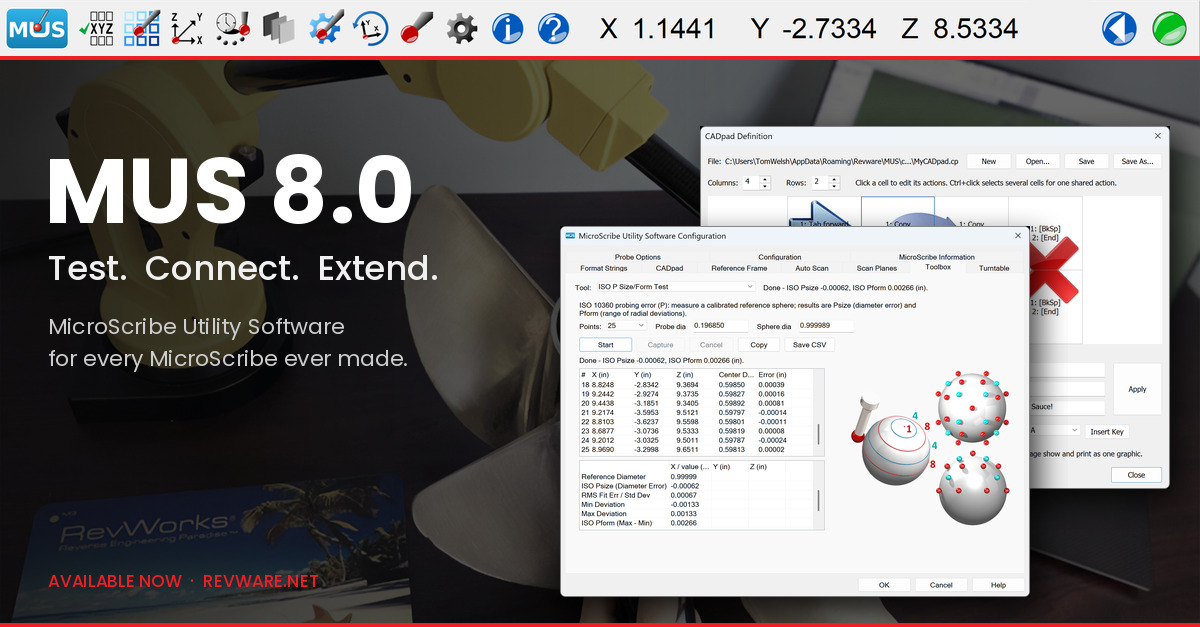
For most people, MicroScribe Utility Software (MUS) is the first program they run on a MicroScribe. It is where you learn how the arm works, and it sets the standard for what any software that works with a MicroScribe should do. This release reinvests in the three jobs MUS has always done: test, connect, and extend.
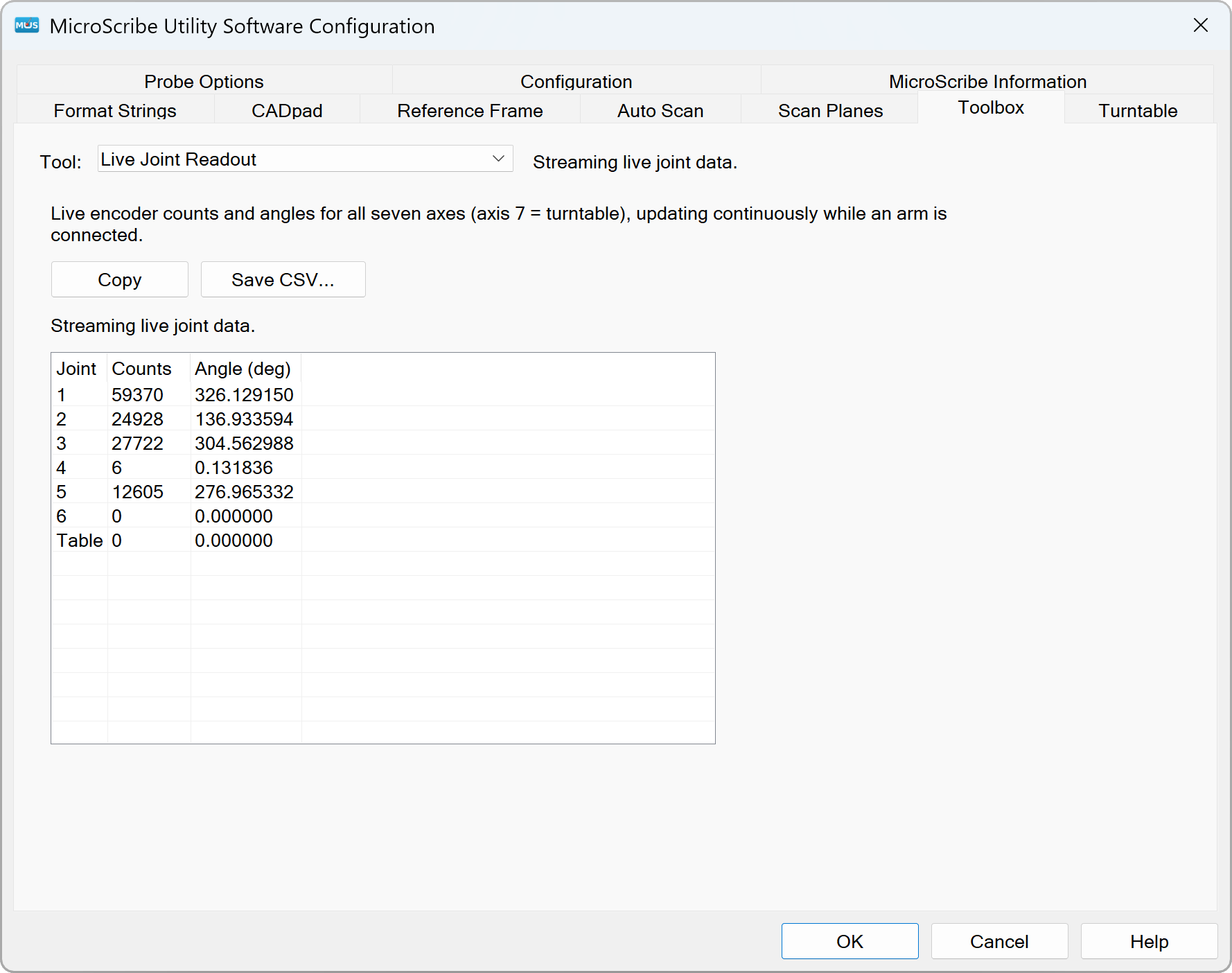
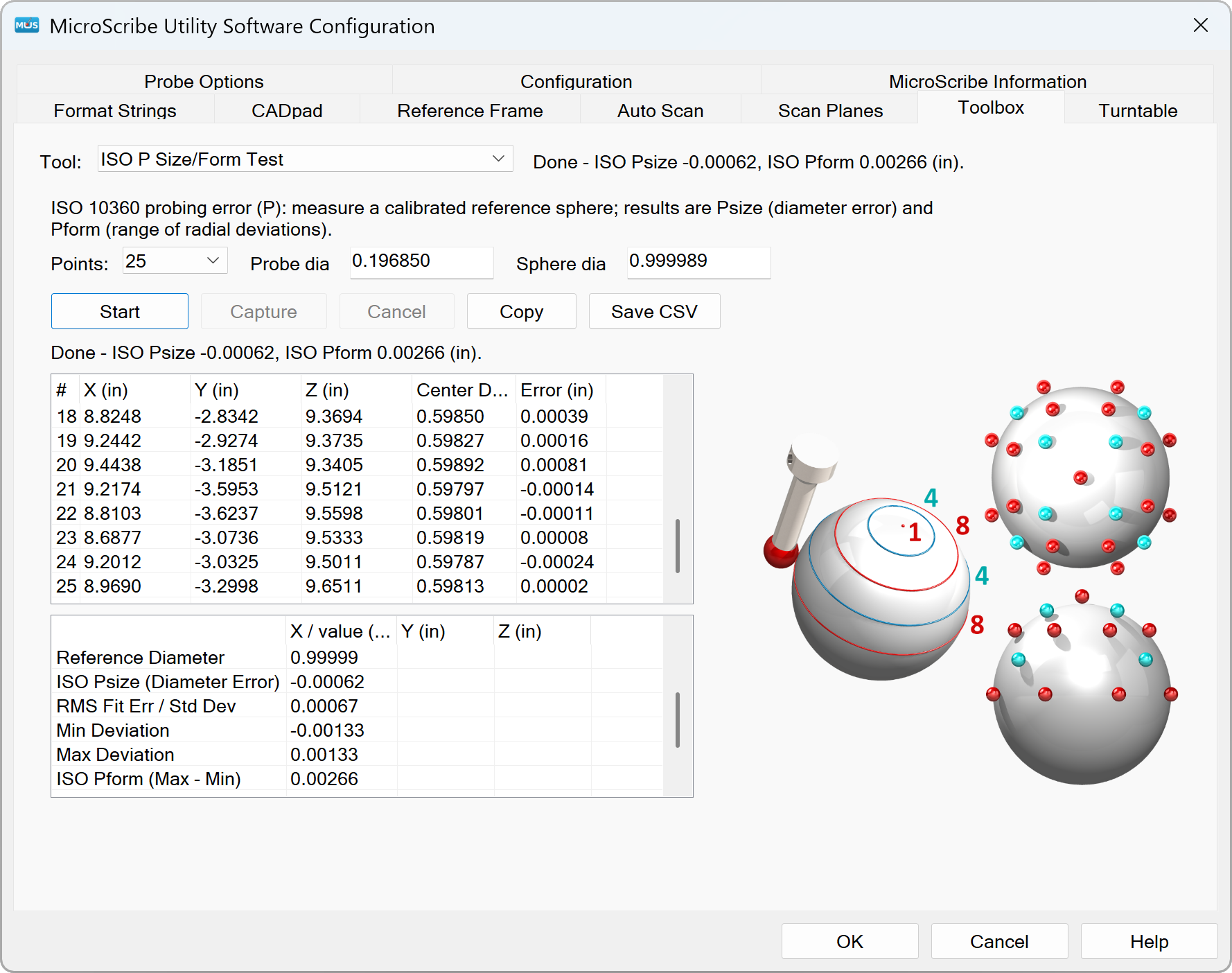
Test. MUS has always been the basic check of whether an arm works. In Part 2 of my used-MicroScribe series I promised the next MUS release would build test applications in. That promise is now live. Live Joint Readout gives a quick functionality check, and ASME and ISO test add-ins let you assess and track an arm’s performance.
Connect. MUS acts as a keyboard wedge: it uses the keyboard buffer as the conduit for passing measurements to the host program, so points arrive in the active program as if you typed them. That links a MicroScribe to any Windows software that has no MicroScribe interface of its own, which is most software. Our Digi-Know guides show how to set it up for many popular programs.
Extend. This is the part I am most excited about. OEMs and anyone building a MicroScribe into a product or process start the same way: collect raw data with MUS, usually into an Excel spreadsheet, and feed it into the process they are developing. The jump from there to writing their own application is a big one. Our SDK samples show how to talk to an arm and manage probes, but not reference frames, cut planes for scanning profiles, and everything else MUS already does.
With Add-Ins, MUS itself becomes the development platform. Device management is done for you. Wrap a MUS Add-In around what you want to build or test, and get straight to evaluating your work instead of learning the intricacies of managing a MicroScribe in software. The tools to build Add-Ins come with the MicroScribe SDK 4.0. I think it is a paradigm shift, at least for us.
Two workflow improvements round it out:
- The toolbar docks to the top or bottom edge of the screen, out of the way of the application you are working in.
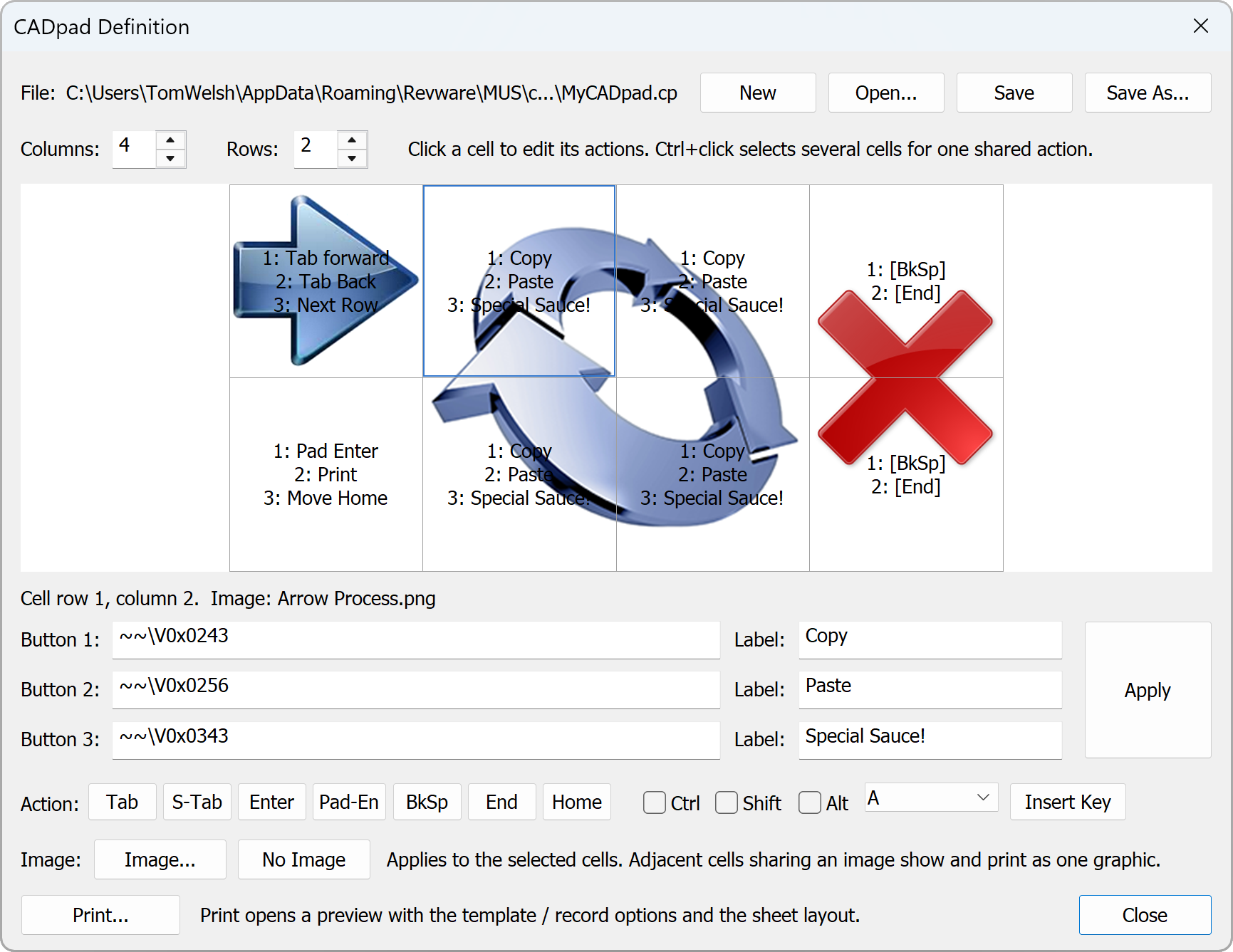
- A new CADpad editor. A CADpad is a printed template of command areas: touch one with the stylus and it triggers an action. Building one used to mean decoding scan codes and the .CP file format, then drawing the graphic in another program. Now you assemble the pad, attach its graphic, and print it, all from MUS.

MUS 8.0 works with every MicroScribe arm, from the original 3D to the current i+. Upgrading your software never means replacing your hardware.
About Revware
Revware provides high, quality, simple to use, innovative, cost-effective modeling solutions to solve your design, metrology, and engineering problems.