
Works with every MicroScribe model, old and new
What is MUS 8.0?
Revware’s MicroScribe Utility Software™ (MUS) 8.0 is a stand-alone Windows utility for your MicroScribe portable coordinate measuring machine (PCMM). It serves three primary functions:
- Manage and test: tools for managing probes, configuring your data collection environment, and testing your MicroScribe’s operation.
- Connect: sends data from your MicroScribe to almost any Windows program, running alongside it.
- Extend: the new Add-In capability makes MUS a platform for developing, testing, and using focused applications.
As a universal interface, MUS delivers 2D and 3D position and orientation data from your MicroScribe PCMM to applications that don’t support MicroScribe arms natively. It enters each point into the active program as if you had typed it (through the Windows keyboard buffer), so no special integration is needed.
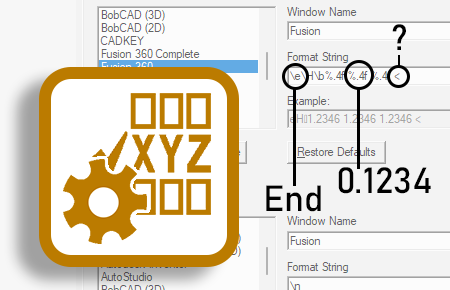
You can configure the data format to match exactly what your application expects. MUS includes several predefined Format Strings, and creating your own is simple. Revware’s Digi-Know guides show step by step how to set up MUS with many popular software products. If your application accepts 2D or 3D coordinates typed at a command line or in a dialog box, MUS 8.0 works with it.
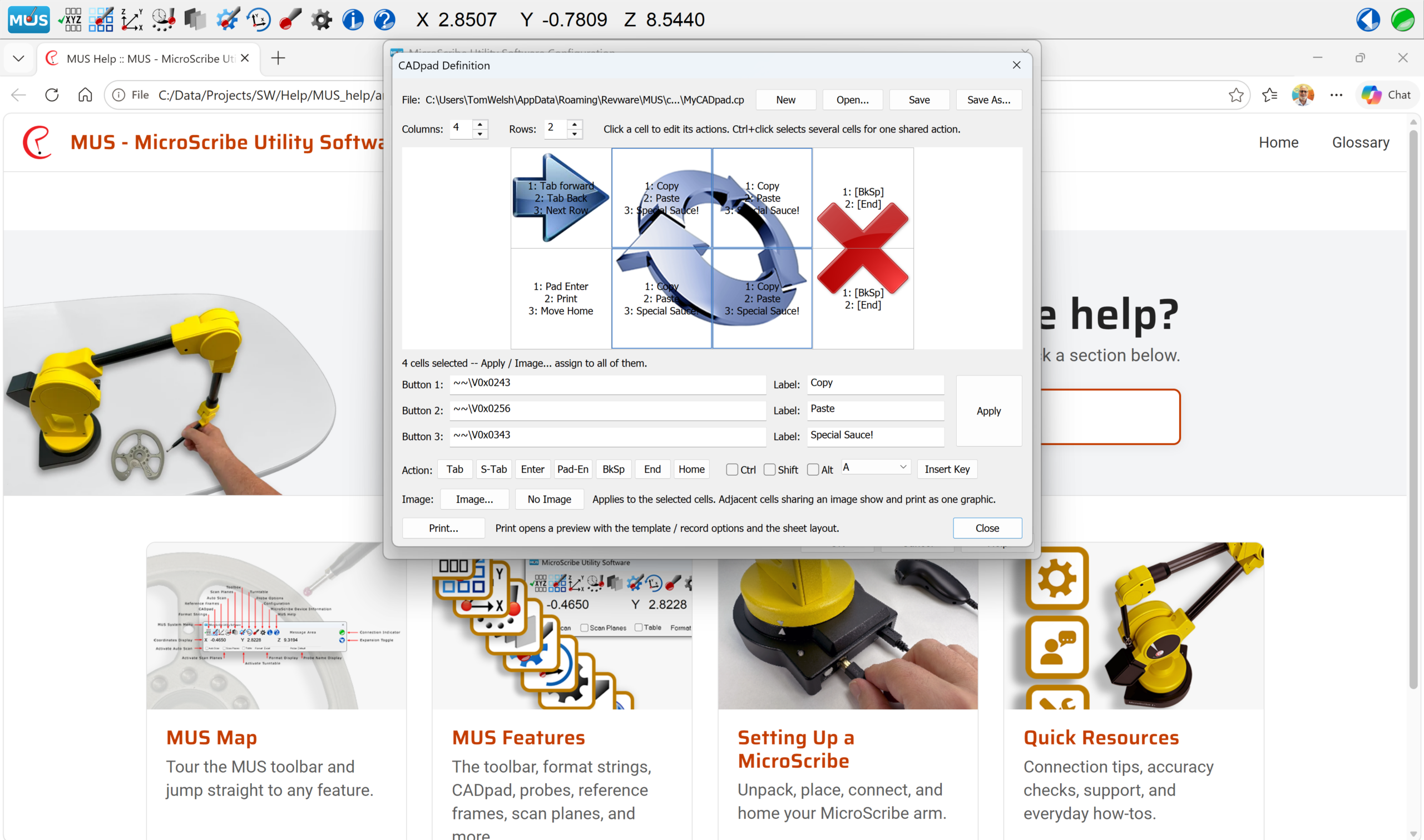
Better tools mean a better workflow. MUS 8.0 stays out of your way so you can focus on your work.
New Workflow Features
Turntable Support
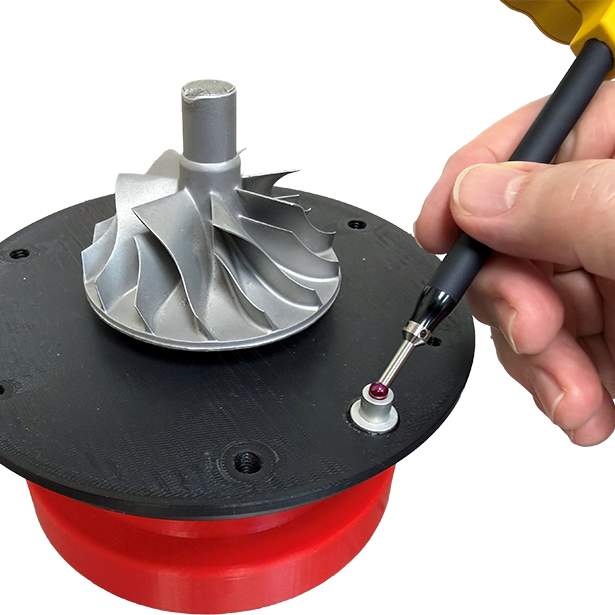
MUS 8.0 now includes fully integrated support for MicroScribe arms that have been outfitted with a turntable port. With this release we are returning to our roots as the pioneer of arm/turntable integration. Turntable support is available first to OEM partners, and an end-user version is coming.
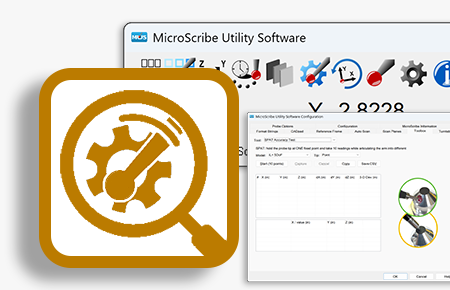
Toolbar Add-In Applications
Planned Non-Obsolescence
MUS 8.0 works with every MicroScribe arm, whatever its age or model, from the original MicroScribe 3D digitizers to the current i+ series. Upgrading your software never means replacing your hardware. The arm that has served your lab or shop for years gets the same new features as one bought last month.
That’s the same approach we take with the MicroScribe arms themselves. We build them to last, and we keep them serviceable and upgradeable so they can take on new technology as it comes along, rather than being retired when something newer arrives. A MicroScribe is a long-term instrument, and we design both the hardware and the software so that your investment keeps paying off.
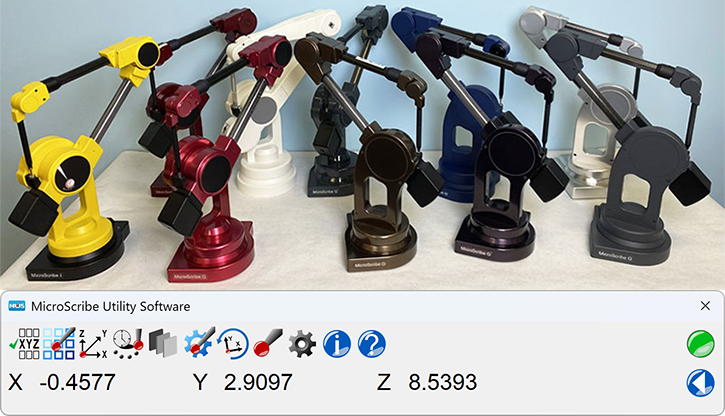
Generations of MicroScribe arms, all supported by MUS 8.0.
Licensing and Requirements
Licensing: MUS 8.0 is a major release. A new MUS 8 license is required for users of MUS 7.x and earlier versions. Your existing license continues to work with the version you have today. After purchase, download the installer from My Account → Downloads.
System requirements:
- Windows 10 or 11
- A MicroScribe arm connected by USB or serial
- A Windows user account with permission to access the registry
Questions about licensing or volume purchases? Contact us. We accept purchase orders from businesses, universities, and government agencies.
Ready to upgrade? Add MUS 8.0 to your cart.